
Supported streaming apps
Access apps available on the chosen device. Individual services may require an account or a paid subscription.
A familiar television can show a different streaming interface when connected to a compatible external device. From news interviews to supported streaming apps, explore what you could watch through the services available on your chosen device — then check what could work with your screen.
A free compatibility enquiry for UK households. No purchase is required.

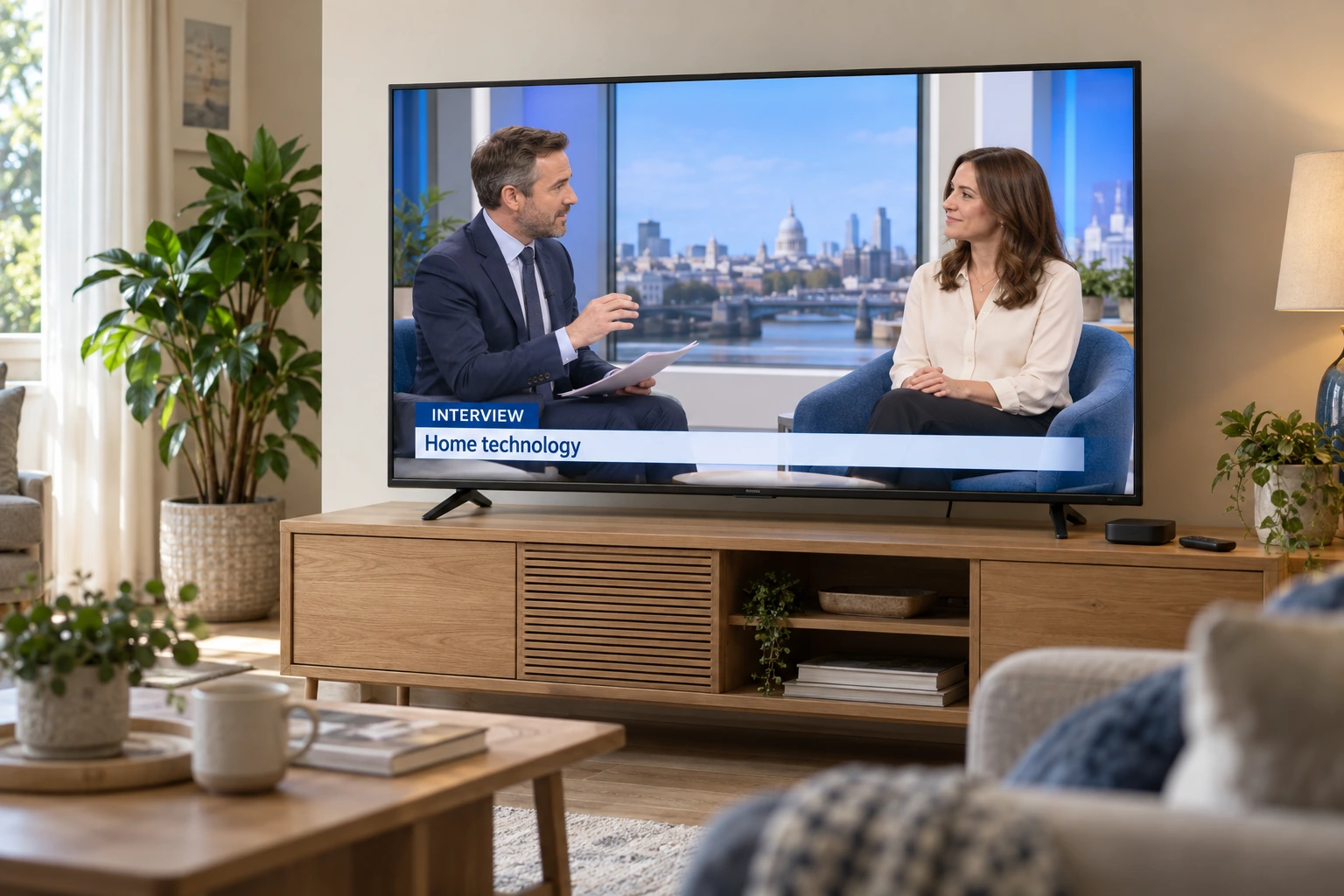
A news interview. A supported streaming app. A fresh way to browse. The possibilities start with how your television connects.
A compatible streaming box can display its own interface and supported services through your TV’s HDMI input. Depending on the apps available on the device, that may include news programmes and interviews alongside other content you choose to watch.
For viewers in Britain, the practical question is which device, apps and connections suit their existing television. The picture panel stays the same; the connected device provides a different smart layer.
The change comes from the connected streaming device. Through a compatible HDMI input, it can display its own home screen and supported apps on your television.
That may offer a useful alternative when your TV’s built-in smart platform feels limited. The first step is to check the connections, services and features your setup can support.
Understand the connectionsAccess apps available on the chosen device. Individual services may require an account or a paid subscription.
Browse through the device’s own software, with navigation and remote controls that depend on the model you choose.
The TV still provides the picture. A streaming box cannot repair screen faults or turn an HD panel into a 4K display.
Before choosing a device, check your TV’s HDMI input, network connection, picture capabilities and the services you want to use.
Check my TVAn external box does not replace the display panel. It adds its own software environment through an available input, which can be useful when an older built-in smart platform is slow, no longer convenient, or missing services you want to use.

An available HDMI input is one of the first things to establish. Power access, cable reach and the way other equipment already uses the TV also matter.
Streaming performance depends on the internet connection available near the television. Wi-Fi position and wired options can shape the practical setup.
Full HD, 4K and HDR support should be considered as a chain: television, streaming device, content and connection all need to support the feature you expect.

Rather than starting with a product list, we narrow the conversation around the television you already have. That keeps the recommendation grounded in your ports, picture expectations and the services you actually plan to use.
Tell us the approximate age, resolution, HDMI availability and network setup. A model number is useful when available, but it is not required to start.
We compare what you want to improve — apps, navigation, picture formats, remote simplicity or sound integration — with the connection details you provided.
The response can explain what type of streaming-box setup appears appropriate to discuss and which points should be verified before purchase or installation.
A newer TV may still be the right choice if the panel itself no longer meets your needs. But when the display is acceptable and the frustration is mainly the built-in interface or app access, an external streaming device is a different kind of upgrade.
The check is most relevant when the television still produces a picture you are happy with but the software experience feels limited.
A box cannot repair a failing display or add physical panel capabilities the television does not have.

Two televisions with the same resolution can need different setups. One might feed a soundbar through HDMI ARC, another might share inputs with a games console, while a third may sit where Wi-Fi is weak. The check gathers those details so the next step can be specific rather than generic.
The useful question is not simply whether a TV is “smart”. It is whether the ports, picture capabilities, network setup and services you use can work comfortably with an external streaming device. The form below collects those practical details before any recommendation is made.
The free check is designed to collect enough information for a useful compatibility conversation. It is not a promise that every TV can support every streaming feature.
No. A model number can help, but you can still start with the approximate age, resolution, available HDMI input and your viewing needs. If a specific model detail becomes important, it can be checked as part of the follow-up.
No. A streaming device cannot change the physical resolution of the TV panel. The device output, cable path and television input all need to support the picture format, and the final display is limited by the television itself.
No. Submitting the compatibility form requests a response about your setup. It does not itself place an order or create a requirement to purchase a streaming box.
Include that in the form. Existing equipment such as a soundbar, games console or disc player affects how a new device could fit into the setup, so it is useful information for the compatibility review.
No. Availability can vary by device platform, service provider, region, subscription, software version and other technical conditions. The check helps identify requirements to verify before a purchase decision.
Use the free compatibility form to describe your television and the experience you want to improve. The response can then focus on a streaming-box route that fits those details rather than starting from a generic product list.